Often difficult today
- Documents are requested repeatedly
- Questions disappear in email threads
- Nobody immediately sees who must act
- Clients regularly ask for the status
Work and communication platform for firms
MainTax brings documents, questions, tasks, deadlines, approvals and processing status together—so both sides know what is open and who acts next.
Your own demo firm · instant access · no credit card · realistic sample data
Less chasing. Less searching. More clarity in every engagement.
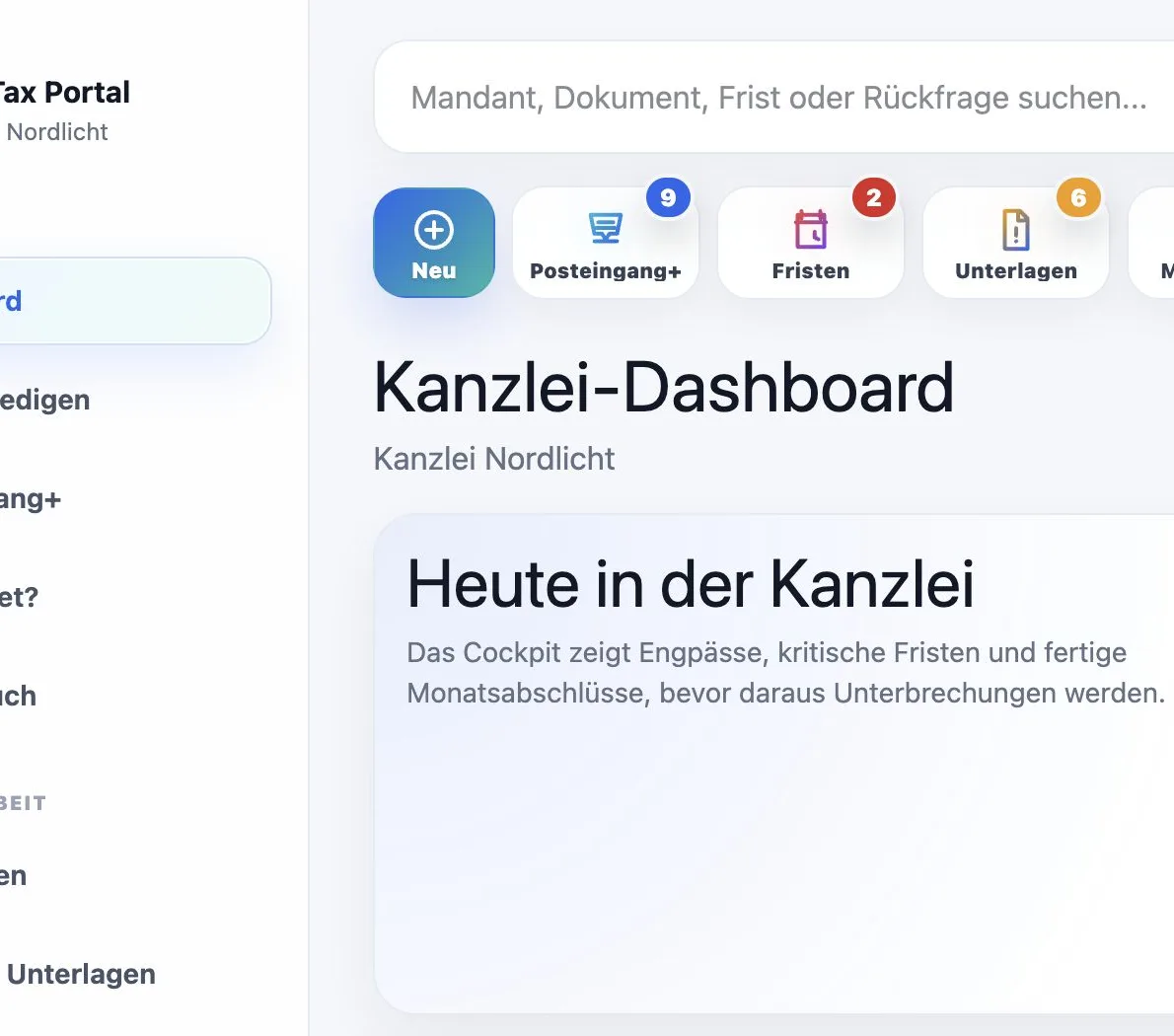
The real loss of time
Where is the receipt? Has the client replied? Who checks the new upload? Which deadline is becoming critical? Is the month-end complete? And who is waiting for whom?
Maintax Central makes these open points visible before they interrupt the working day.
Who MainTax is built for
When email, phone calls, scattered uploads and spreadsheets shape collaboration, MainTax creates one shared work status.
Documents, questions, responsibilities and client status in one place.
Track monthly documents, missing receipts, approvals and communication centrally.
Coordinate payroll changes, missing information, approvals and deadlines.
The Maintax Central difference
Every open item has clear ownership. Your team immediately sees whether the firm must act, a client response is missing or no further step is currently required.
Once the bottleneck is visible, your team can prioritise instead of merely reacting.
A document, answer or approval is missing.
Your team must review, answer, approve or start the next step.
The item is complete, clear and has no current blocker.
Status instead of status requests
Both sides see the current processing status, open steps and next responsibility. Internal firm notes remain internal.
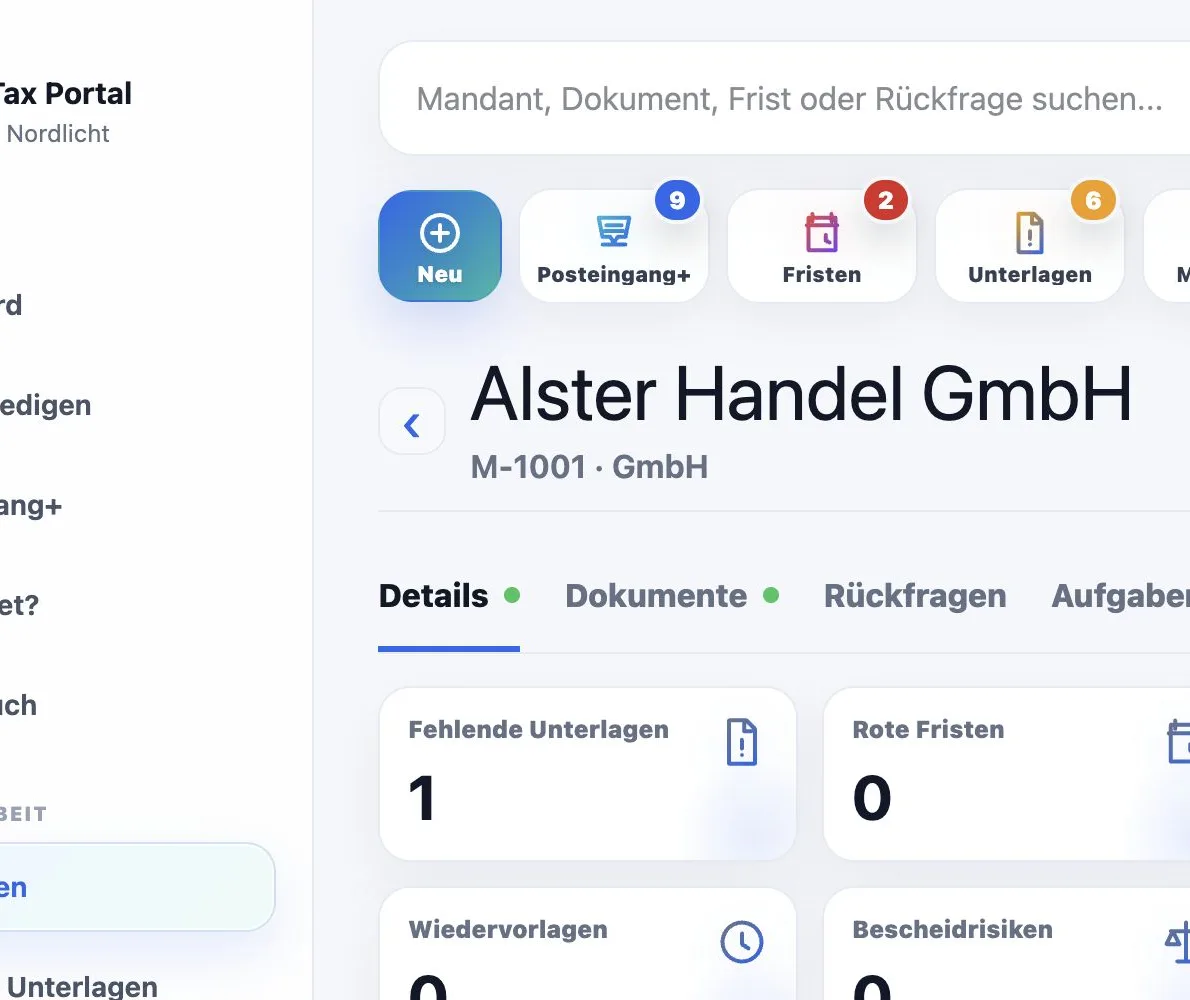
The complete work status
Contacts, documents, questions, tasks, deadlines, assessments, internal notes and next steps stay connected in one place. Your team sees what is missing, who owns it and what happens next.
Documents without email chaos
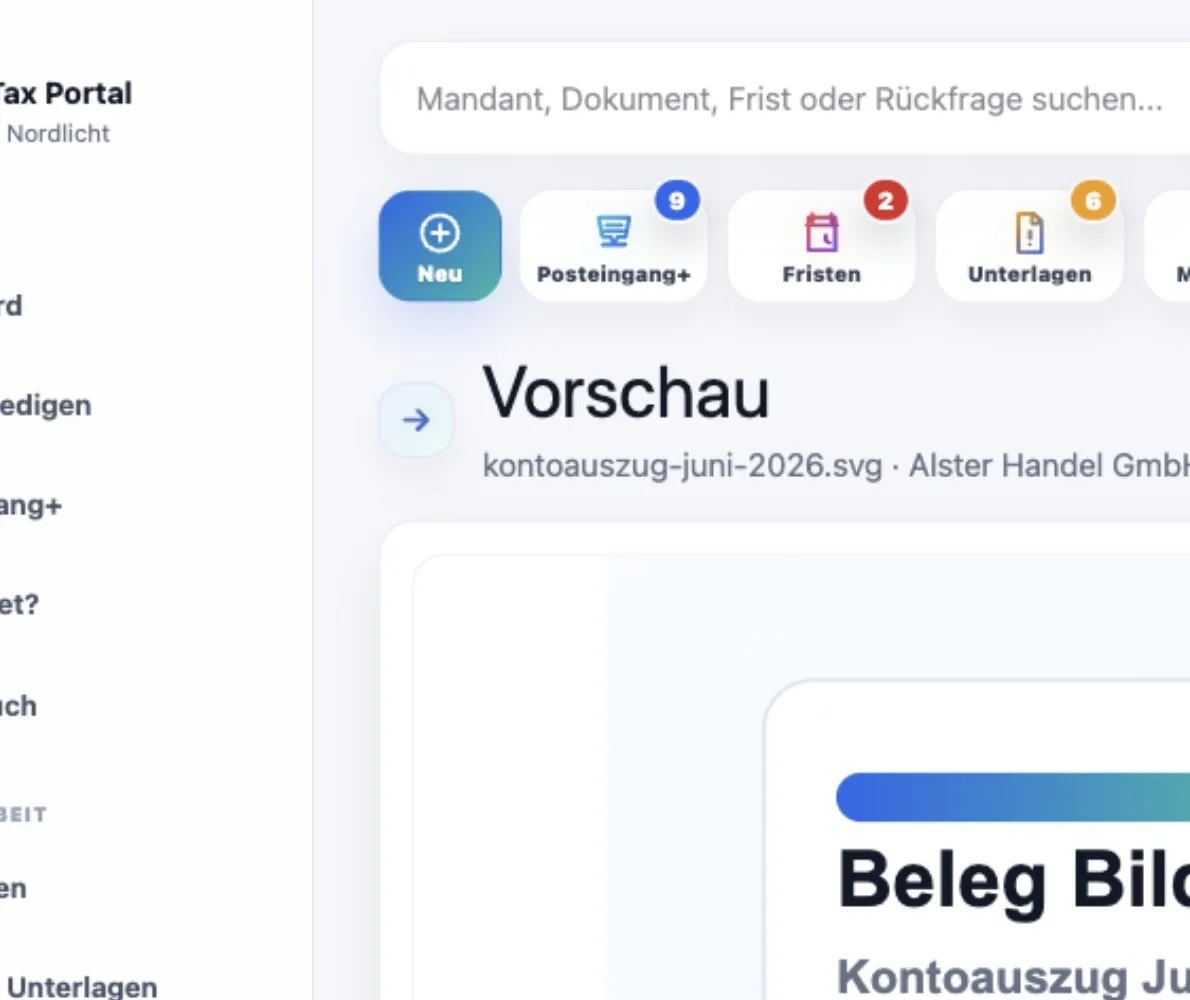
Clients submit documents through the portal, a secure upload link or their personal upload address. Maintax Central connects each incoming item to the client, period and process.
Uploads are technically checked and processed in a controlled way before release.
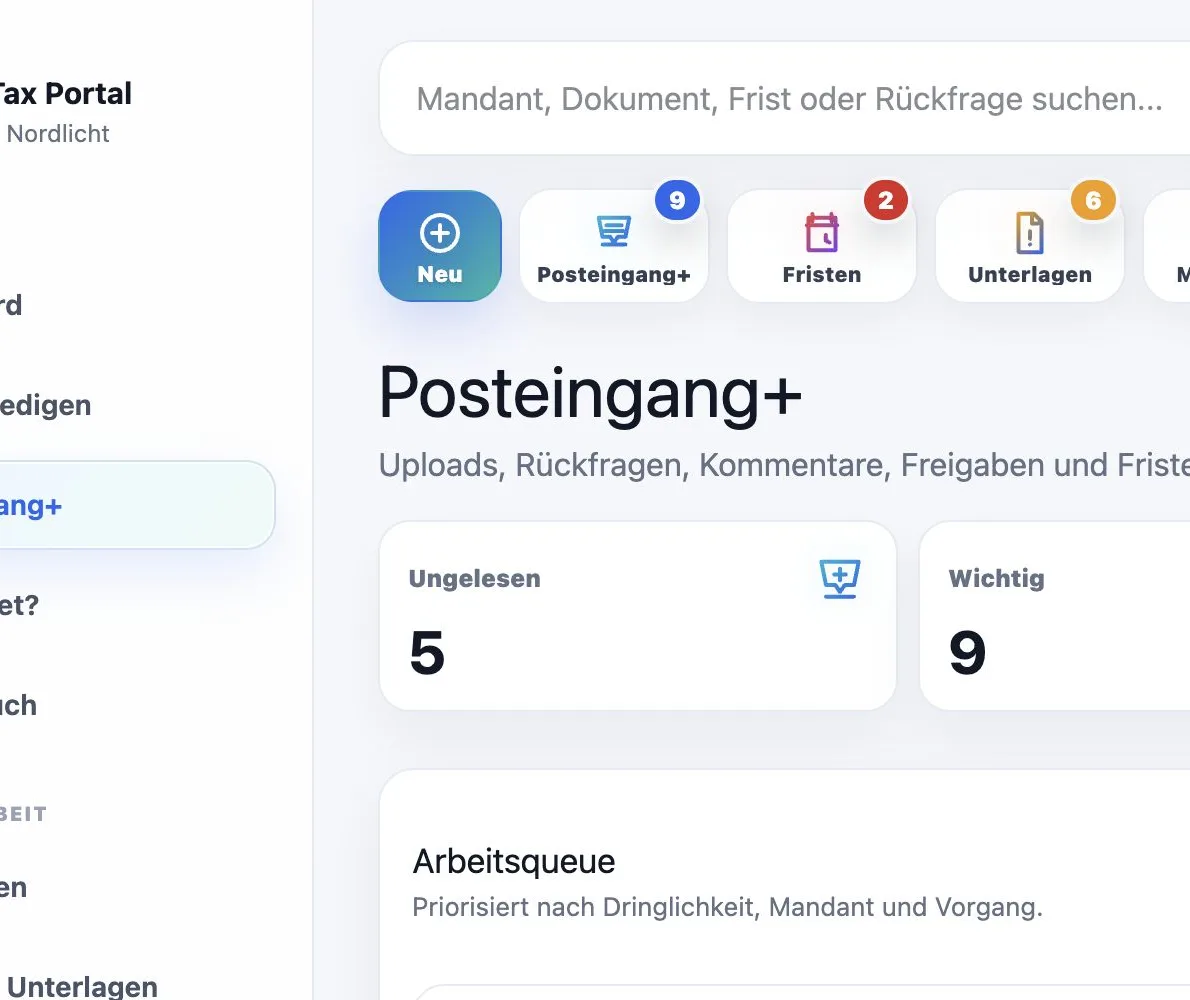
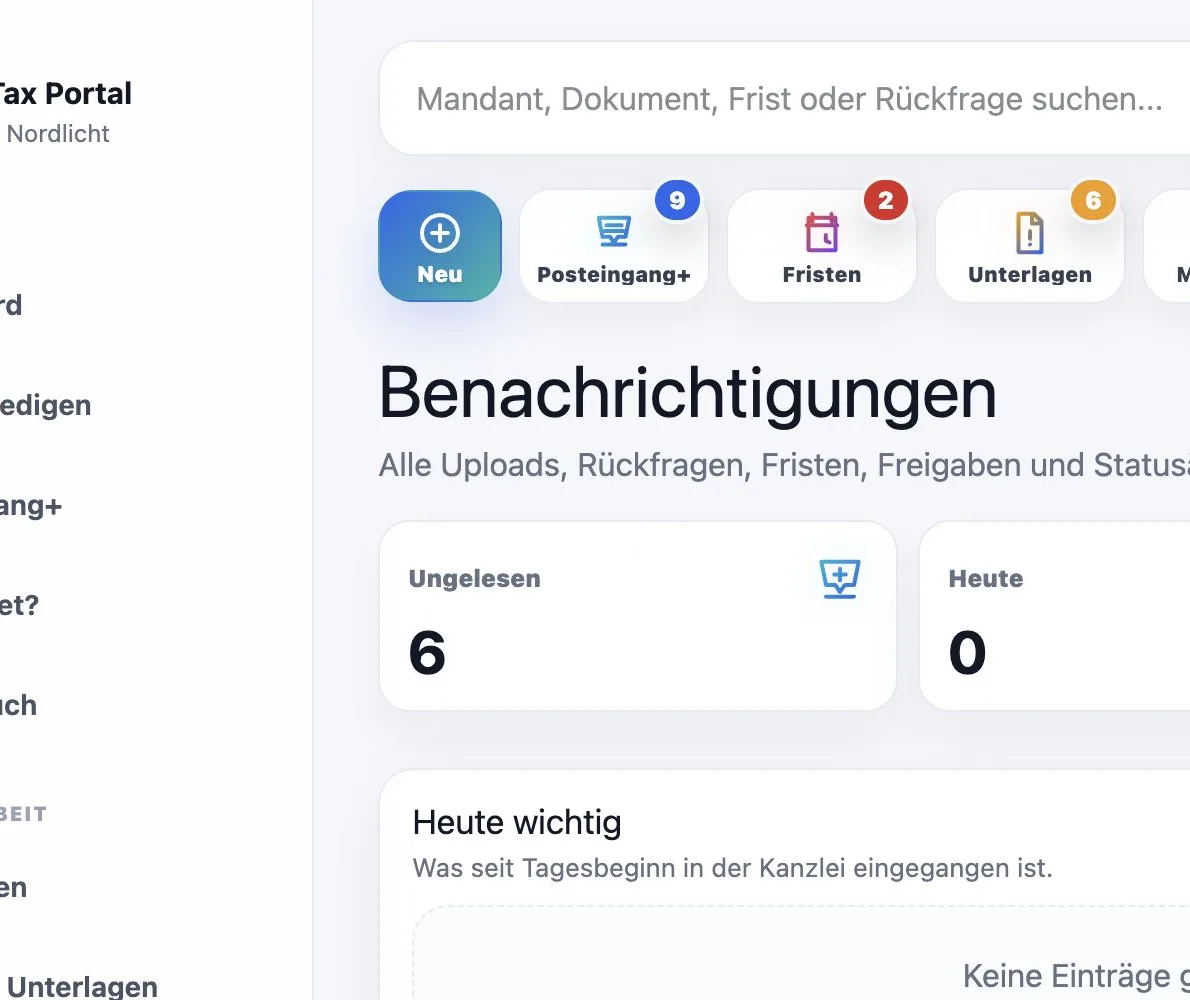
Communication in context
Messages, questions, comments, tasks and approvals stay connected to the engagement and its process. Nobody has to search old email threads to understand the next step.
External notifications remain intentionally neutral. Confidential details are visible only after signing in.
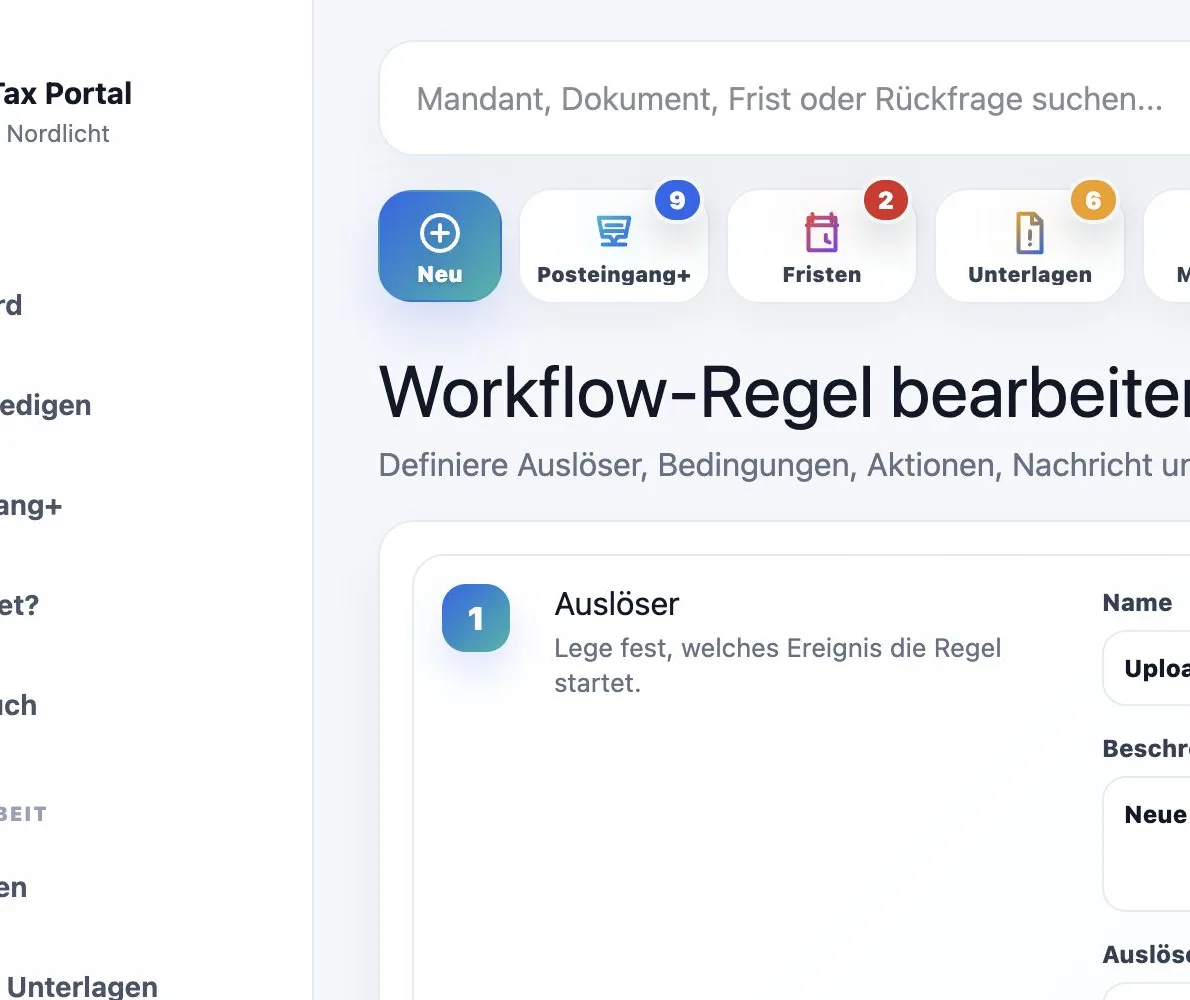
Standardise recurring work
Templates, rules, reminders and bulk actions make firm work repeatable. Execution, results and errors remain traceable.
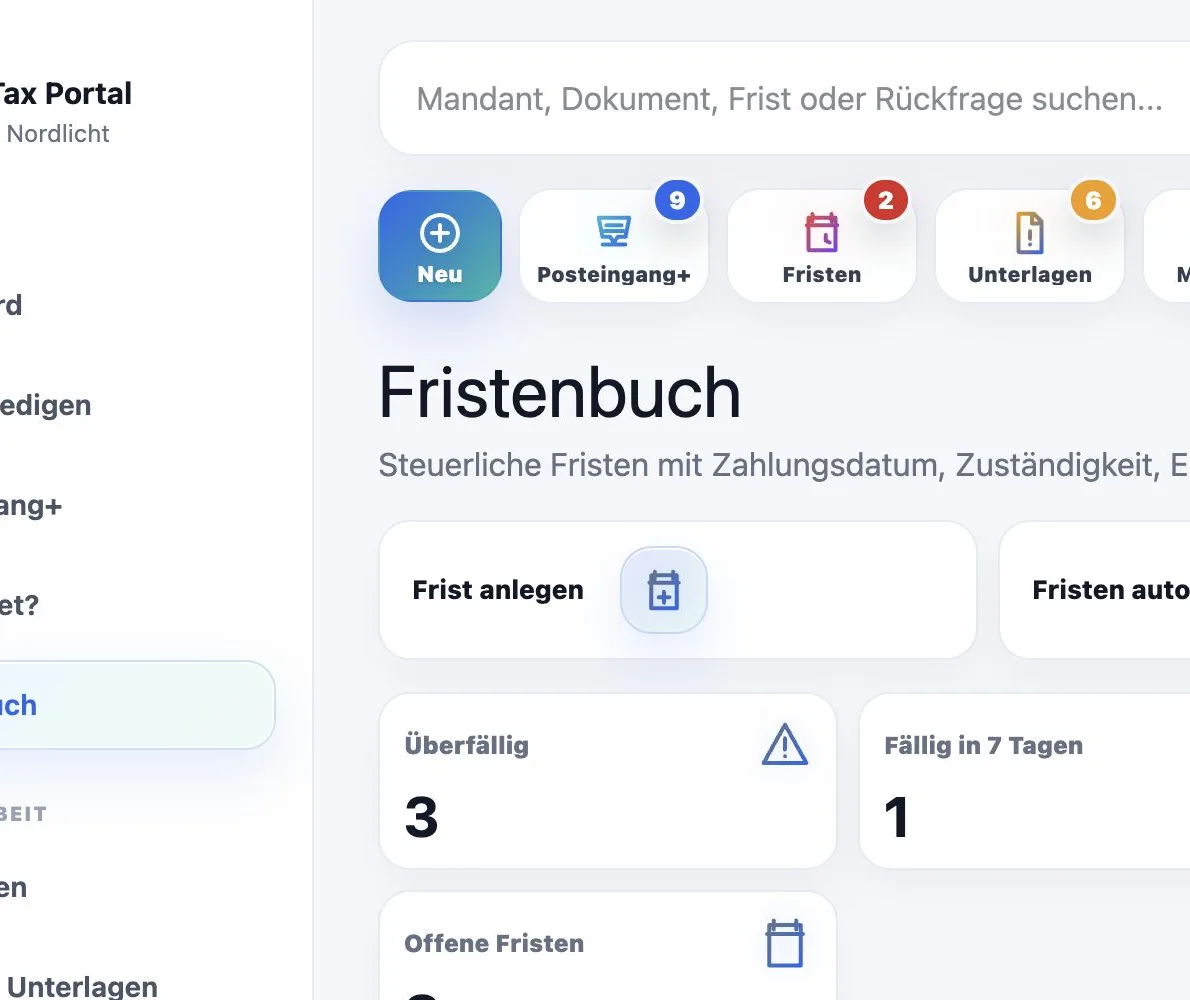
Deadlines with ownership
Maintax Central connects tax deadlines with status, owner, reminder and escalation. Your team sees which deadline creates work today.
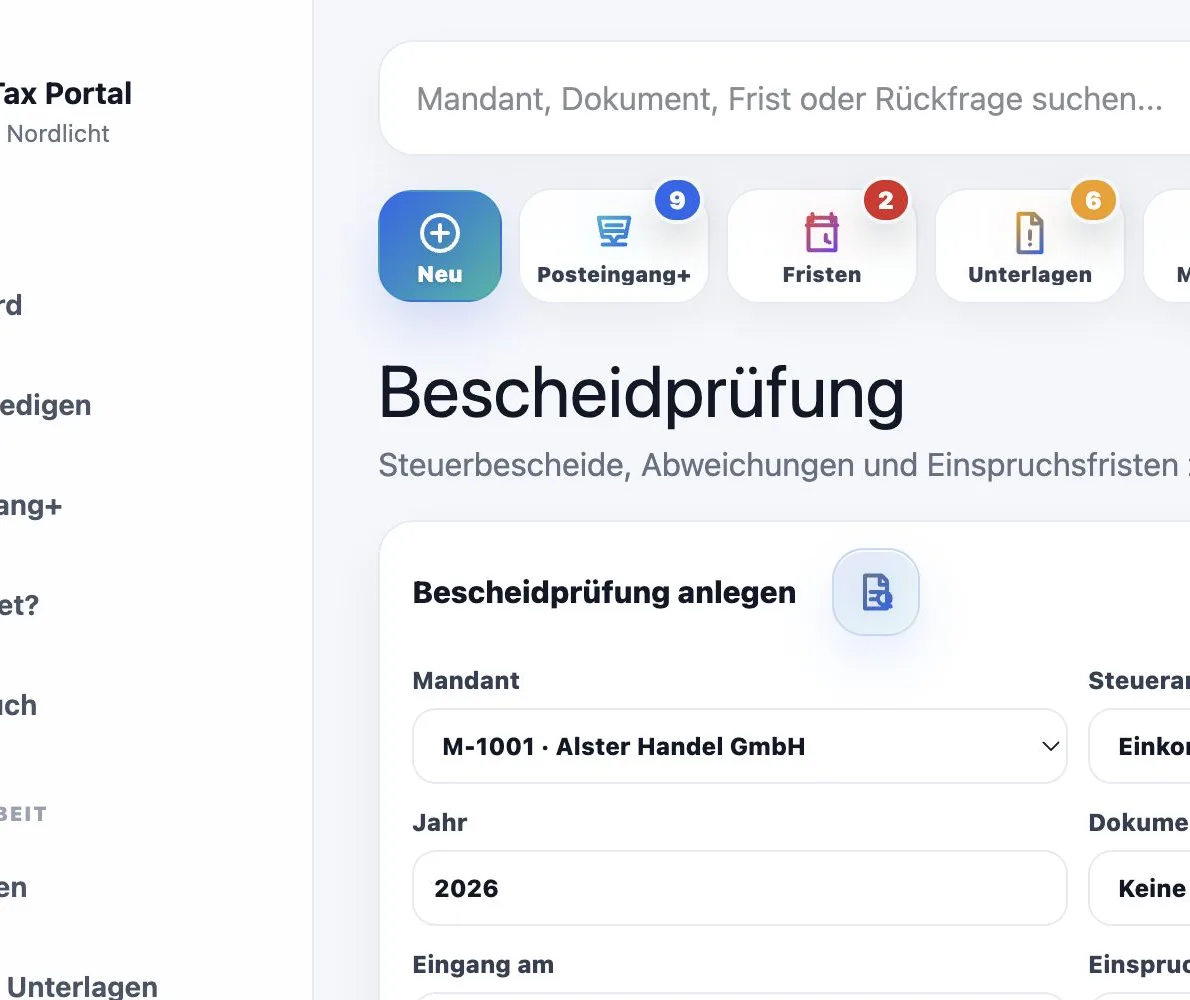
From incoming assessment to decision
Receipt date, expected amount, assessed amount, variances, appeal deadline and client communication remain connected in one traceable review process.
Simple for clients
Upload a document. Answer a question. Review an approval. Check the status. Maintax Central shows every client exactly the tasks and information intended for them.
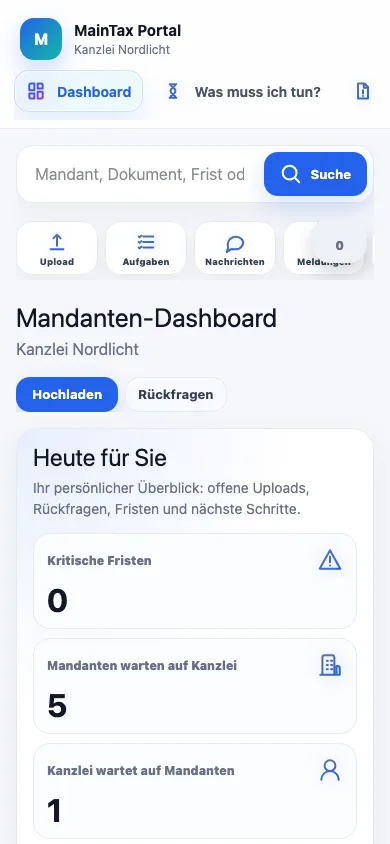
One platform, eleven languages
Navigation, tasks, uploads, status messages and system notices appear in each user’s preferred language.
The interface is multilingual. Professional content, individual messages and tax-relevant statements are written by the firm and are not translated automatically without review.
Privacy by technology
Maintax Central restricts access to the people who need it for their work. Sensitive actions receive additional protection, support access is time-limited and relevant changes remain traceable.
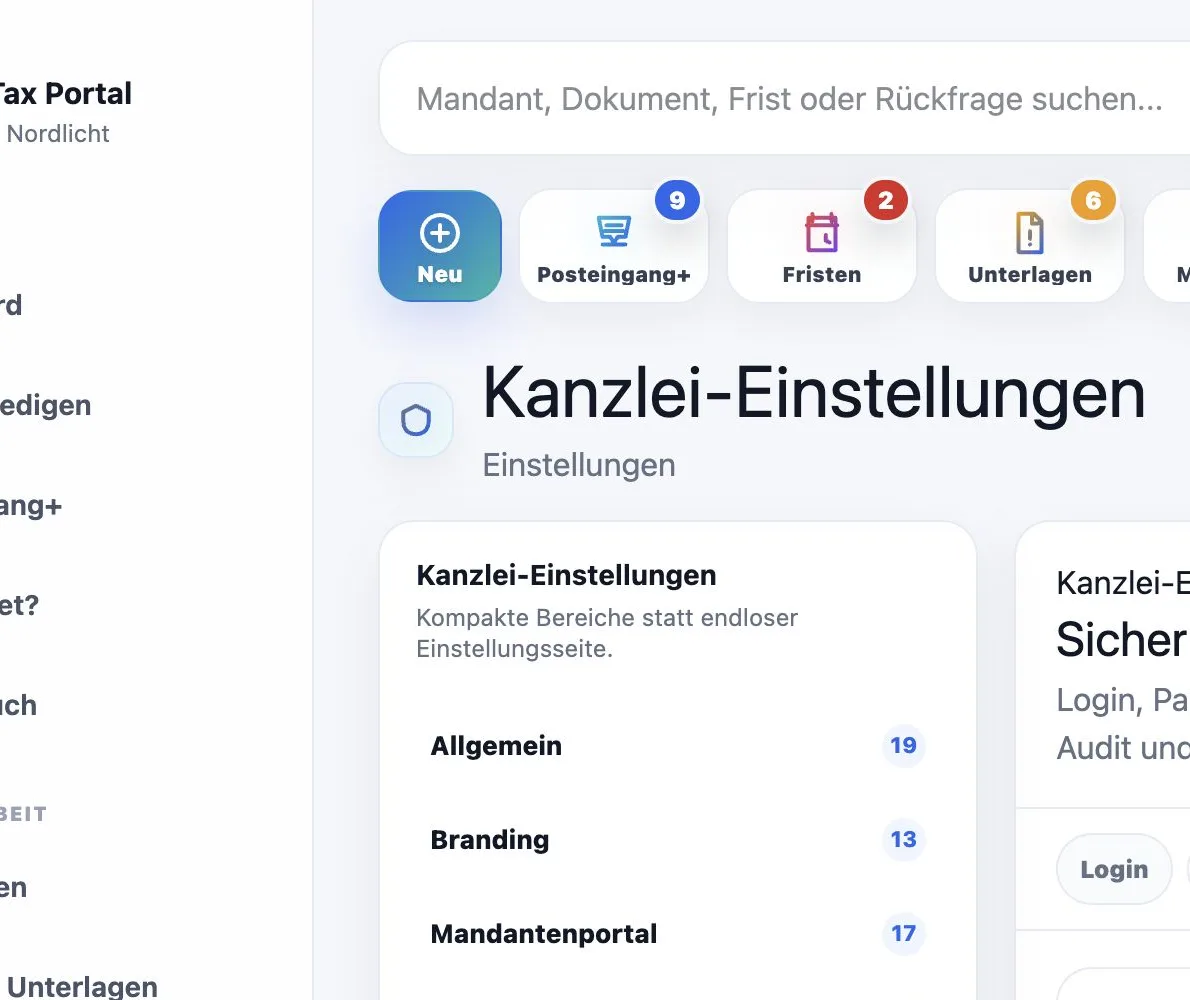
Clear division of responsibilities
DATEV and other specialist systems remain responsible for professional tax work. MainTax organizes collaboration before, between and around it.
MainTax is an independent complement and not a DATEV product.
Make invisible costs visible
Small questions look harmless. Over a year, they turn into hundreds of hours of firm time.
Items per day × minutes × working days ÷ 60
Plans for every firm size
Start with a personal seven-day demo, then choose the plan that fits your team, client base and way of working.
For small firms that want to organize documents, deadlines, and evidence in one place.
Net price plus VAT
per year: 990 € · 2 months free
For growing firms with automations, upload mailboxes, client status, and advanced roles.
Net price plus VAT
per year: 2.490 € · 2 months free
For large firms with expanded limits, API access, and enterprise support.
Net price plus VAT
per year: 5.990 € · 2 months free
Active public plans from Maintax Central plan administration.
Frequently asked questions
Maintax Central does not change professional tax work. It organises the processes before, around and after it. Here are answers to the questions firms actually ask before getting started.
Clients do not see the firm’s complexity. They only see which document is missing, which question is open and what they need to do next.
If the firm and its clients already manage documents, tasks, questions and status information in a structured way with little manual coordination, the additional benefit may be smaller. DATEV and other specialist systems remain responsible for professional tax work. MainTax organizes collaboration before, between and around it.
Clients, staff, document types and basic status data can be prepared and imported. The exact effort depends on the size of the firm, its data and the chosen scope.
Yes. You receive a personal demo firm with realistic sample data and can test Maintax Central for seven days without a credit card.
Clients only see content released for them: open tasks, missing documents, questions, approvals, status and documents. Internal notes and administration remain hidden.
Documents can arrive through the portal, a secure upload link, a personal upload address or a configured mail import. Each arrival is assigned to the relevant client and process.
Every open item shows whether the firm must act, a client response is missing or no action is currently required. Blockers and the next owner are visible immediately.
Deadlines are managed with status, traffic light, owner, reminders and escalations. The firm remains responsible for professional review, deadline calculation and correct data maintenance.
Templates, rules, reminders and bulk actions make firm work repeatable. Execution, results and errors remain traceable.
Access is limited by firm, role, permission and client assignment. Sensitive actions may require an additional confirmation.
Maintax Central combines private file storage, role-based access, signed links, session and upload controls, and audit logs. Production infrastructure and legal configuration still require separate approval.
Access, export options, retention and deletion follow the contract and legal obligations. Data is not deleted uncontrollably simply because cancellation was initiated.
Create your personal demo firm in a few minutes and test Maintax Central for seven days with realistic sample data.
No credit card · instant personal access · prepared sample dataLarger firms or organisations with individual requirements can also request a personal consultation.